


Introduction:
Not all the time is easy to select the best payroll software for small business. It is understandable that a business owner can be confused with all the tools that are available on the market and each company is that good because it is accurate and automated and quick. Payroll is not only about remunerating workers but remains in compliance, minimizing mistakes, saving on time as well as keeping your team happy. Even small errors may cause punishments or dissatisfied workers. This is why it is important to choose the appropriate payroll system than ever before. Be it a new business owner or a spreadsheet user wanting to upgrade to new software then having information of what to consider will enable you to make a confident informed decision.
The USA market of payroll software companies is highly diverse; they provide variations of features and price models. But the key is finding the solution for your business needs, not just some generic list of features. In this guide, we’ll break down all those things in simple, human language to choose payroll software without any confusion or stress.
1. Understand What Payroll Software Should Actually Do
Before choosing the best payroll software for small business, take a moment to understand what payroll software is meant to solve. The right system should do more than calculate salaries—it should simplify your entire payroll workflow.
A good payroll software should offer:
- Automatic salary calculations
- Tax deductions & compliance updates
- Employee attendance integration
- Leave & overtime calculations
- Payslip generation
- Direct deposit or payment support
- Reports: salary, tax, monthly payroll, etc.
When the software does not work with these basics in an easy manner, it is not the right choice. Begin by identifying the following payroll challenges that you are currently facing: is it too time-consuming, excessive manual errors, or compliance concerns? This will assist you to align your requirements with the features you want.
2. Evaluate the Features that Matter Most.
Every business is different. A retail outlet, a consultancy firm and a factory unit do not need the same payroll requirement. This is why the preferred payroll software to use by small businesses has to be flexible.
Following are the most crucial features to be considered:
✔ Save Time With Automation
Assuming that the tool will automate some routine duties-say, computing taxes, paying, deductions and staff attendance-you will save hours each month. This also makes the human errors less common, common with manual payroll.
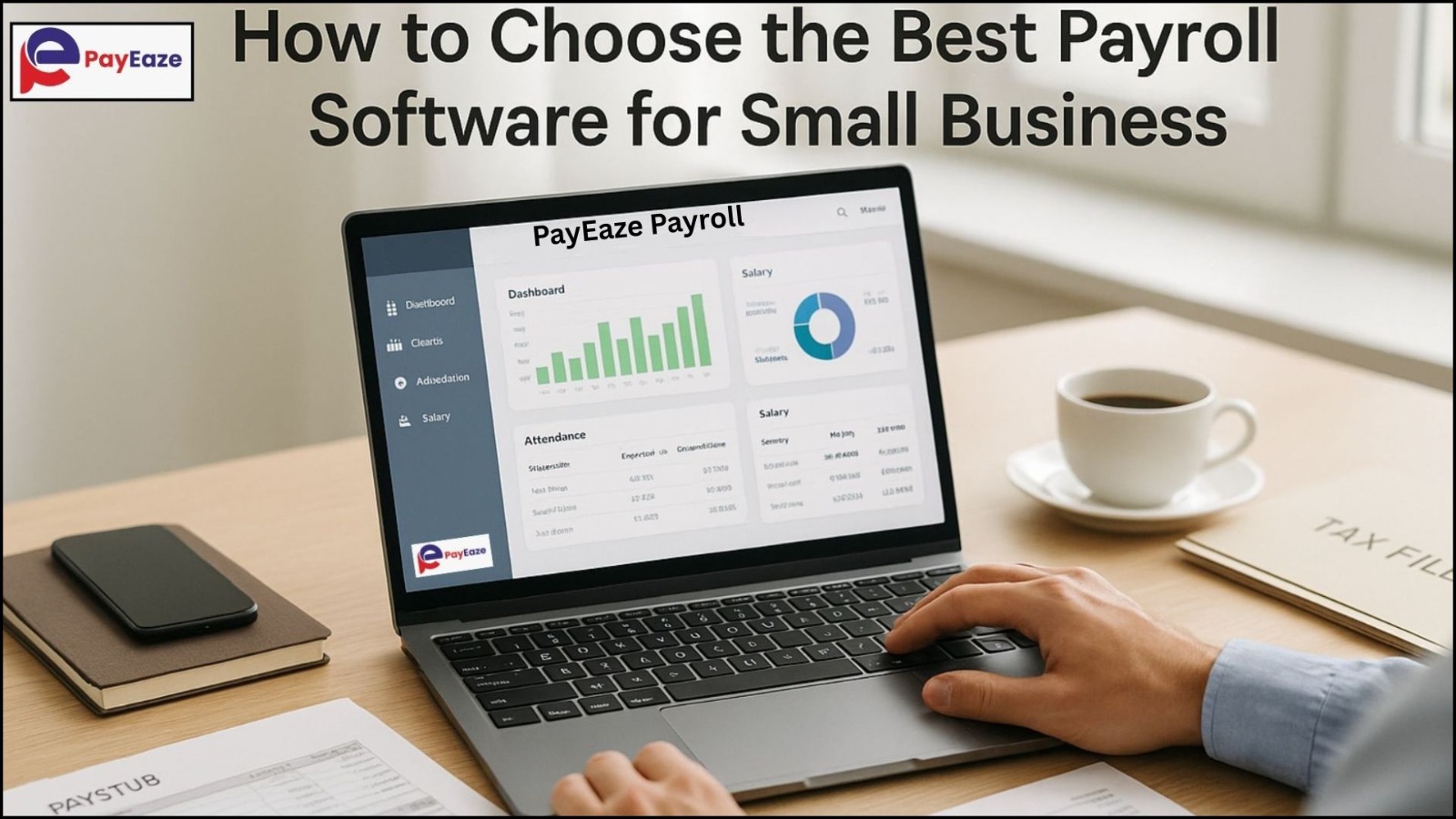
✔ Easy-to-Use Dashboard
Small businesses don’t necessarily have HR specialists. Your software has to be simple enough for use by anybody. Look for clean menus, clear instructions, and an intuitive dashboard.
✔ Integration Options
Can it connect with your existing tools?
Examples include:
- Attendance machines
- HR systems
- Accounting software
Integration prevents data duplication and keeps the process seamless.
✔ Cloud-Based Access
Today, most Payroll software companies in USA provide cloud-based systems. Cloud payroll gives you:
- Anytime, anywhere access
- Automatic system updates
- Better data security
- No installation required
This is especially helpful for small teams or remote businesses.
✔ Compliance Support
Rules about payroll are in constant flux. Your software must keep pace with the federal, state and local rules to ensure that your business is in compliance without the need of manual compliance.
3. Costs of Payroll and Transparency Comparison.
Pricing of payroll software is quite arbitrary, with at one end being per-employee, to a fixed per-month, to an add-on rate.
In order to make an intelligent decision consider:
- Price of subscribing: monthly or annual.
- Hidden fees (setup, support, tax filing, etc.)
- Cost scaling as your team grows
- Value for the features provided
The best payroll software for small businesses should be affordable yet efficient. Don’t choose the cheapest option—choose the one that saves you long-term time and cost.
4. Check the Software’s Security Standards
Your payroll data is extremely sensitive. It includes bank details, salary information, employee identities, and business financials. This is why security should never be compromised.
Look for features such as:
- Bank-level data encryption
- Secure cloud storage
- Access controls (admin, HR, employees)
- Backup and recovery systems
Most Payroll software companies in USA highlight their security certifications, so review them carefully.
5. Take into account the quality of customer service.
The most appropriate software may prove complex without sufficient instructions. Customer support is a very important element when you are making your decision.
Ask yourself:
- Are they live chatting, phone answering or emailing only?
- Does your plan include support or is it an additional fee?
- Are response times quick?
- Do they help with onboarding and training?
Good support means smoother implementation and fewer payroll headaches.
6. Explore User Reviews and Real Experiences
Before finalizing, check how other small businesses feel about the software. User reviews reveal actual experiences—both good and bad.
Look for feedback about:
- Accuracy
- Ease of use
- Speed
- Error handling
- Customer support
- System reliability
Reviews help you understand whether the provider can truly be counted among the best payroll software for small business.
7. Consider employee self-service features
Advanced payroll software these days has an Employee Self-Service portal that reduces the HR workload.
Features may include:
- Payslip downloads
- Leave applications
- Attendance view
- Personal information updates
- Tax form downloads
This empowers employees and saves your time.
8. Try Free Trials & Demos Before Choosing
Almost all Payroll software companies in USA offer demos or free trials. This gives you hands-on experience to understand:
- How easy it is
- Whether it covers all features you need
- If the interface suits your working style
A trial is the best way to find the perfect match.
9. Choose a Scalable Solution
Your business may grow—and your software should grow with you. The best payroll software for small business should allow you to:
- Add more employees
- Add new locations
- Manage advanced HR features
- Upgrade plans whenever needed
Scalability ensures you don’t need to switch software later.
10. Last Minute Checklist Before You Decide.
The following is a quick checklist which will assist in making a decision with confidence:
- ✔ Does it automate payroll?
- ✔ Is the dashboard easy to use?
- ✔ Does it offer strong compliance support?
- ✔ Can it integrate with your existing systems?
- ✔ Is the price reasonable with no hidden fees?
- ✔ Does it include employee self-service?
- ✔ Are security measures strong?
- ✔ Is customer support reliable?
- ✔ Have you tried a demo?
If the answer is “yes” for most of these points, you’ve found your ideal payroll software.
Conclusion
The process of selecting the most appropriate payroll software to use in a small business does not need to be a baffling one. When you simplify the process and concentrate on what your business actually requires, it becomes much easier. Seek time-saving features, enhanced accuracy, reduced compliance risks, and cost-effective options. Check scalability, support, and usability. Keep in mind that the most efficient tools make your work easier, not harder. With many trusted Payroll software companies in USA, you’re sure to find a solution that fits your budget and operational needs.